From collectibles to cars, buy and sell all kinds of items on eBayWelcome! Sign in or register.

aAdvanced Search
Popular products
No suggestions.

My RaGGedy DrEAms
My RaGGedy DrEAms
Maintained by:
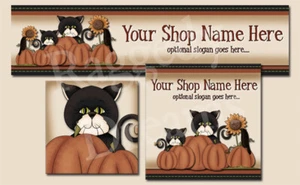
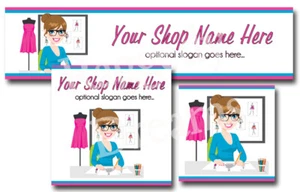
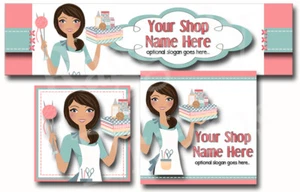
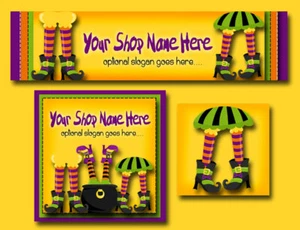
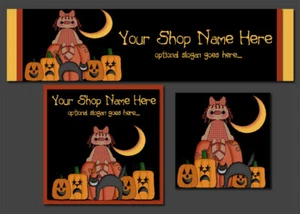
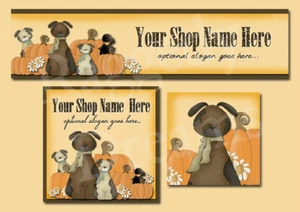
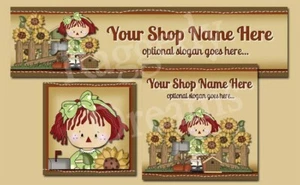
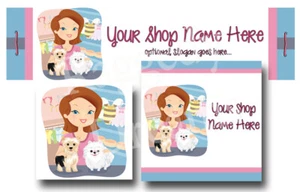
Welcome to my Ebay store! Come take a peek at all the things i have to offer...i have Custom Auction Templates, Matching About Me pages, Ebay Store Banners, Ebay Storefronts. Each one can be customized just for you....you may even find a handmade doll or two!
RAGGEDY DREAMS CUSTOM DESIGNS
Auction Template Help
Buy 2 Templates Get 1 Free
New Templates and Store Designs
About the seller


Where to add the Auction Template Code:


1) Go to Create your listing: Fill in all the information required through Ebay.


2) When you get to the part where you need to "Describe the item you're selling", you will come to an empty box:


You will notice 2 tabs (Standard and HTML). Click on the "HTML" tab. The empty box provided is where you will need to add your auction template code.

The sample photo below shows what it looks like after you'd added the HTML code in the empty box.


After you've added the HTML code in the empty box, click the "standard" tab to view your template.


Click the "HTML" tab again to switch back to the HTML code and make any necessary changes.
If you're satisfied with your description and other text, you're done with the template...just fill in all the other information required through Ebay.


How to add your photos from photobucket:

While in photobucket you will notice lines of text underneath each photo


"Direct Link" is the URL address you will add to the photo section of the auction template.

To copy and paste the URL, simply place your cursor on "Direct Link" and left click on your mouse. (the text will become highlighted in blue).

Now "right click" on your mouse and a drop down menu box will appear....choose "copy".

Next, go to the photo section of the HTML code and delete the text inbetween the quotation marks and "paste" the URL address inbetween the quotation marks.


To "paste" or add the URL, simply place your cursor inbetween the quotation marks and "right click" on your mouse....a drop down menu box will appear again, but this time choose "paste". The URL address you just copied from your photobucket should appear.


Photo below shows a sample of multiple photos added in the template.


Send me an email if you have any questions! Thank you!


About eBay | Announcements | Security Center | Resolution Center | eBay Toolbar | Policies | Government Relations | Site Map | Help
Copyright © 1995-2009 eBay Inc. All Rights Reserved. Designated trademarks and brands are the property of their respective owners. Use of this Web site constitutes acceptance of the eBay User Agreement and Privacy Policy.
eBay official time